Welcome to “The Numbers Game #110. Today’s number is 232.To play along, go to your photos file folder and type the number 232 into the search bar. Then post a selection of the photos you find that include that number and post a link to your blog in my Numbers Game blog of the day. If instead of numbers, you have changed the identifiers of all your photos into words, pick a word or words to use instead, and show us a variety of photos that contain that word in the title. This prompt will repeat each Monday with a new number. If you want to play along, please put a link to your blog in comments below. (I posted an earlier version, but didn’t include any photos! I hope this one wo
For some reason, WP will not let me add a gallery. See if it works for you!!!
It will only let me enter one photo at a time.




I think rings in trees are just fascinating.
LikeLiked by 1 person
I can’t remember where I took this. I’ll have to investigate.
LikeLiked by 1 person
I haven’t been able to reply on my own blog all day..Finally fixed. But other WP problems, still.
LikeLike
You are also having trouble with WP ? Thought it was only me …
LikeLike
This was a mosaic floor with the wood rounds. I loved it but can’t remember where I saw it. –Judy
LikeLiked by 1 person
Pingback: The Numbers Game | A Day In The Life
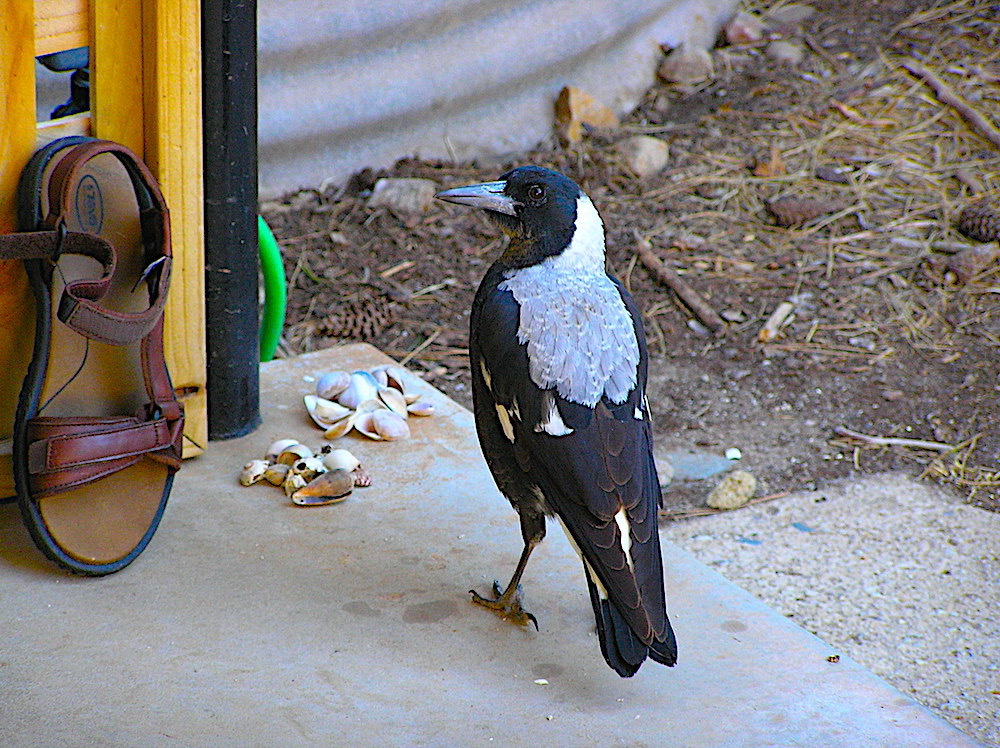
Wonderful wood set in a mosaic! Is that a Magpie? Love him
LikeLike
Yes. I believe it was in Australia, south of Adelaide on the coast.
LikeLike
Here’s my numbers today :
LikeLike
Hi Judy! Here is my contribution: https://loucarrerascarver.com/2026/02/02/the-numbers-game-110/
LikeLike
Pingback: Two Hundred Thirty-Two | The Numbers Game – puzzleblume
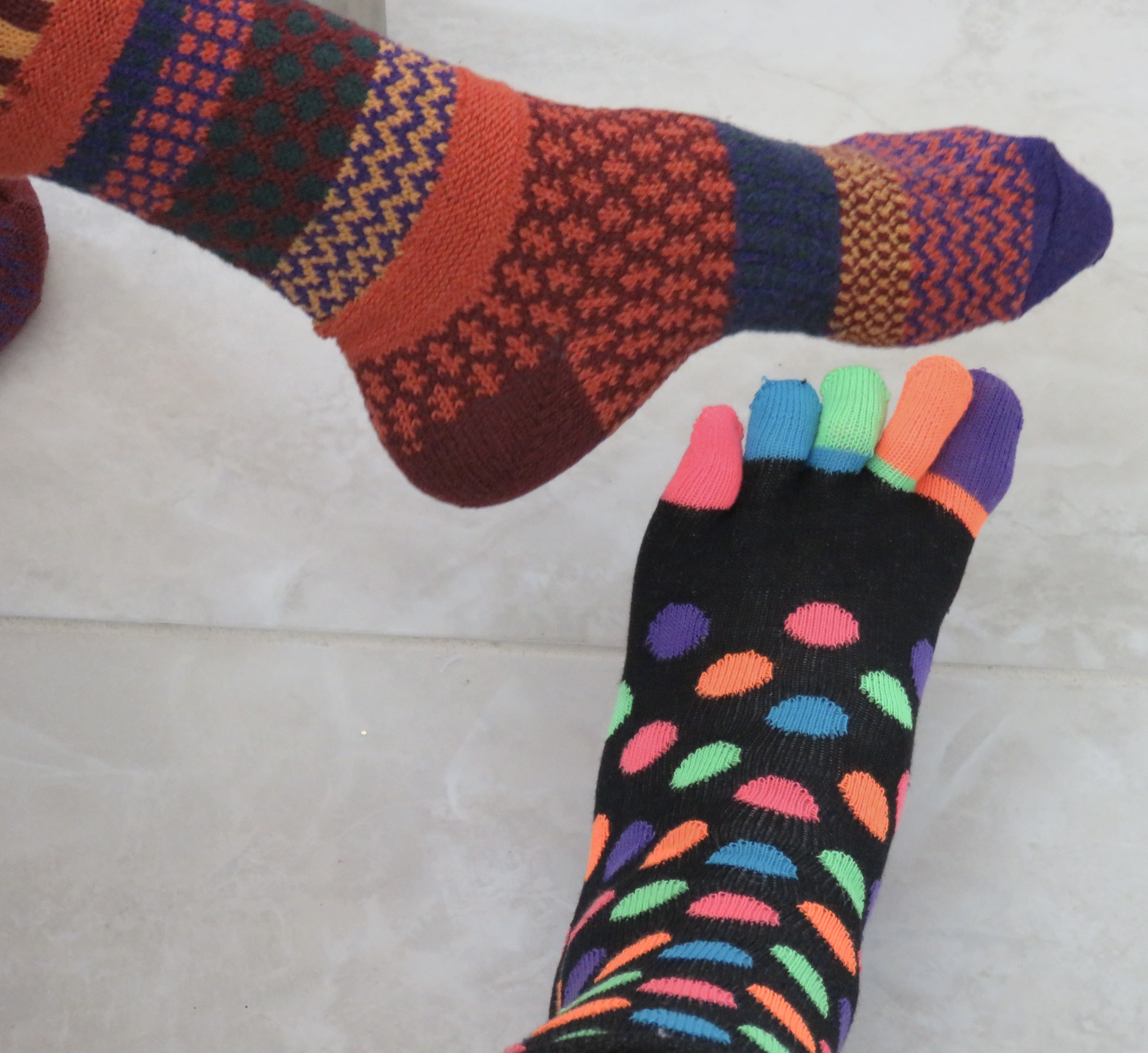
Love the socks!
LikeLiked by 1 person
I believe they were Xmas gifts. I love toe socks.
LikeLiked by 1 person
I love the crow(?) and the knits!
WordPress seems to be a little bit silly today, as I noticed, too. But I have a gallery to show:
LikeLike
Now I can see all the pictures. 💖♥️💖
LikeLike
Pingback: airplanes – IN PRIMO PIANO – a photo blog
The bird staring suspiciously at the sandal before getting food is so good!
My 232 is here
LikeLike
Love the jazzy socks
LikeLike
Pingback: Judy’s Numbers Game #110 – 232 | ~ Trivial Music Silliness ~
You have a colorful array today. Fun.
I don’t use the WordPress Gallery feature often because it does not look good with different aspect ratio images. My choice is the Tiled Gallery (in Jetpack).
My post shows a whopping 40 images today. It was a good search.
The Numbers Game – 260202 – Cafe Ludwig
LikeLike
Digging into my archive, just found some pics. (Gallery is working on my side)
https://juckplotz.de/2026/02/02/judys-numbers-game-110-feb-02-2026/
LikeLike
What a pain 🙄 Yes I can see them now. I like the Magpie – shell or sandal what a decision 😂
Here’s mine in case the pingback didn’t take before
https://bushboy.blog/2026/02/02/my-numbers-up-107/
LikeLike
Pingback: The Numbers Game #110 – Anachronism of the Far West
A fine varied selection
LikeLike
Thanks, Derrick.
LikeLiked by 1 person
Thanks, Derrick.
LikeLiked by 1 person
Pingback: The Numbers Game #110- 232 – nowathome
Wonderful shots, Judy!
LikeLike
And, like you, I was unable to create a gallery so… one after another!
LikeLike
Pingback: The Numbers Game – 232 | A Dalectable Life
Pingback: The Numbers Game #110 | Graham's Island
Hope your WP problems clear up. No gallery issues here. Love the magpie and the wood and tile mosaic. I was a bit disturbed to see that plant had its hands up and you still shot it! Here’s mine this week: https://grahamsisland.com/2026/02/03/the-numbers-game-110/
LikeLiked by 1 person
Ha. I had no mercy.
LikeLiked by 1 person
A day late, with similar issues to Judy! https://adelectablelife.com/2026/02/03/the-numbers-game-232/
LikeLike
Pingback: The Numbers Game #110 – Facts, Fictions & Fantasies
That’s a surprise for me to hear, I’ve only ever been able to add one photo at a time😵💫🙄😄
LikeLike
If you use gallery view you can add a bunch at once.
LikeLike
When I go to media files and put 232 in the search some pictures come up but the only option seems to be that I can delete them?!?! Any idea what I’m doing wrong?
LikeLike
To create a gallery of photos, hit Add Media above and Create Gallery just below it.Put number in the bar to right and all your photos with that number will come up. Select ones you want to use and then go to lower right and hit “insert gallery.” Save a draft. Before or after you save the draft you can also edit the order of the photos or choose the size of photos and their position. I always choose the largest size and the second choice down for how they are arranged.. can’t remember what it is called.. I’ll go look but need to send this or I’ll erase it as I’ve done twice before.
LikeLiked by 1 person
After you have saved the photos you can go to Gallery Settings on the right of your screen and change the order of the photos. For Size I choose Full Size and for Type I choose Tiled Mosaic. Those settings are under Gallery Settings as well. Let me know how it goes. I use Classic Editor, by the way. Don’t know how this works on the other editor.
LikeLiked by 1 person
I don’t even know if I use classic editor or not…I don’t know how to find out! Lol. I did figure out the posting though! Thanks!
LikeLike
Go up to Add Post and click on arrow. Select “Classic Editor.”
LikeLiked by 1 person
👍🏻
LikeLike
Pingback: The Numbers Game | Zombie Flamingos
Pingback: The Numbers Game | teleportingweena
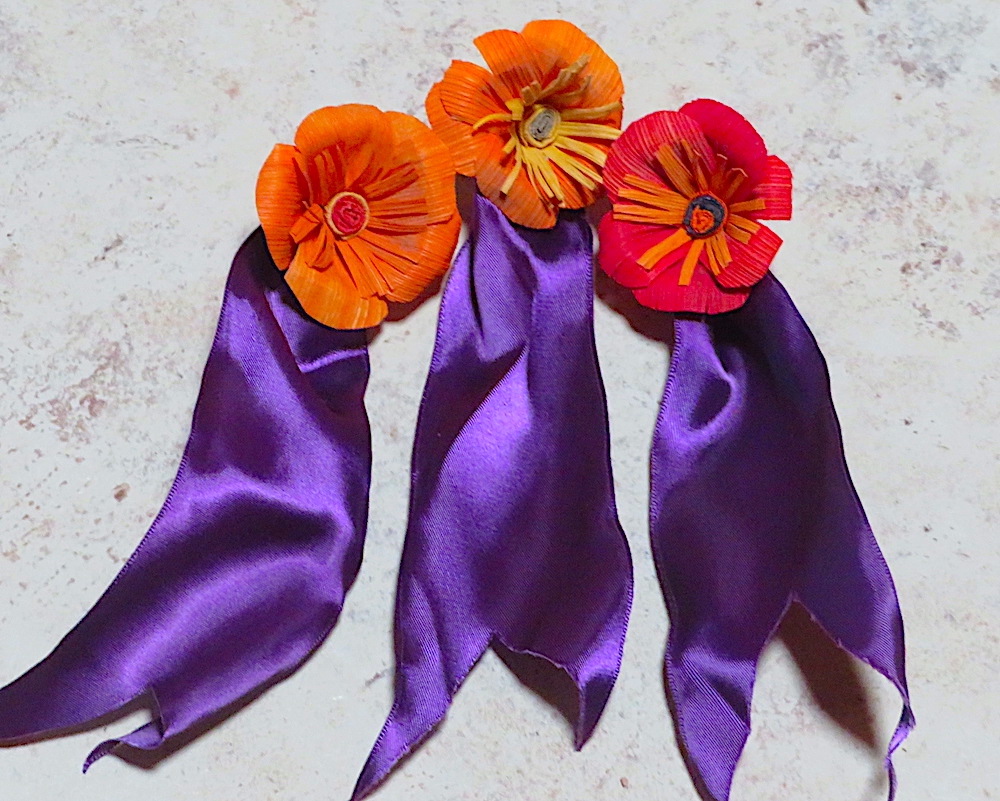
Pretty flower, cool socks, and curious bird on the porch! Here are mine:
https://wp.me/p3RE1e-nHr
LikeLike
I can see them now! And what a wonderful selection they are!
LikeLiked by 1 person
Pingback: The Numbers Game #100 – Stine Writing
Finally figured it out…with a lot of help! https://christinebialczak.com/2026/02/06/the-numbers-game-100/
LikeLike