Trick Photography Made Simple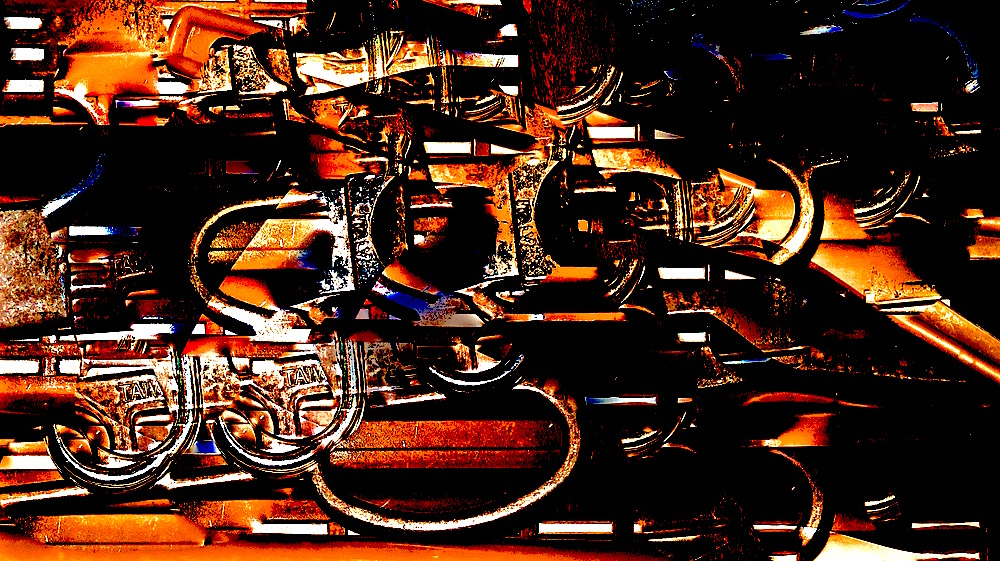
Can you guess what this image is? It is something in my house. I took the shot and then worked with light, color,saturation, contrast, cast, sharpen and definition in the Photos editing bar on my Mac. Last, I used the retouch (bandaid) and by option/clicking, chose details to duplicate and paste over portions of the photo to “paint” with details of the photo. By enlarging and decreasing the areas chosen to copy and rotating the photo, I was able to get more variety in copying and pasting different sections. There is something about the photo that reminds me of my dad’s old flintlock rifle.
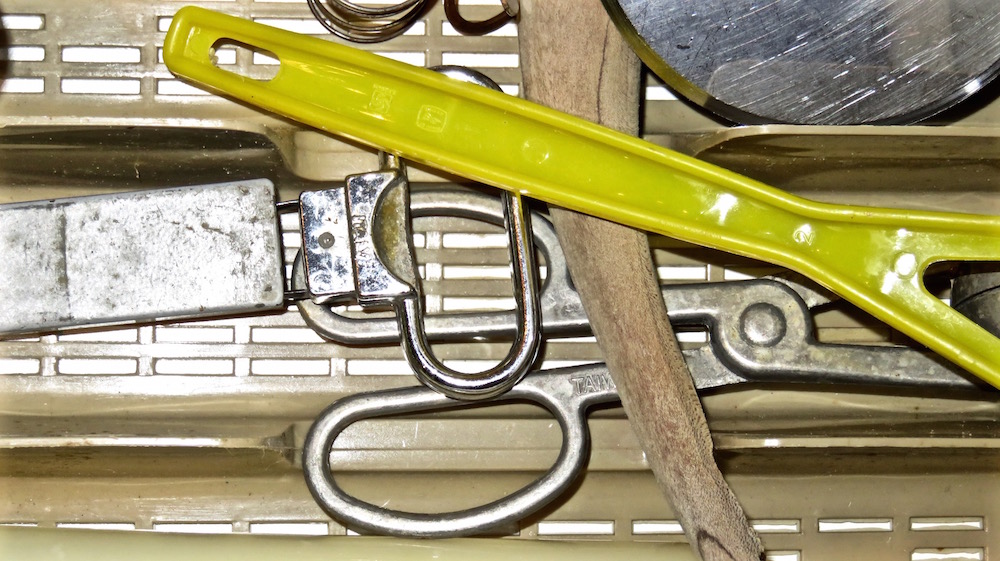 But actually, this is the original–just a detail from a photo of a drawer in my kitchen.
http://ceenphotography.com/2015/09/20/cees-odd-ball-photo-challenge-2015-week-38/
 lifelessons - a blog by Judy Dykstra-Brown